Bulk Intune Reporting with the Graph Export API
Pulling reporting data out of Microsoft Intune at scale has always been a bit of a headache. The good news is that there is an API built into Microsoft Graph that takes most of that pain away: the Intune Export API, exposed through the exportJobs endpoint. Instead of piecing a report together call by call, you ask Intune to build the whole thing and hand it back as a single file. Here is a quick tour of what it is, the problem it solves, and what it replaces.
Table of Contents
The problem it solves
The operational Graph endpoints are great at answering one small question at a time: the state of a device, the settings on a policy. The trouble starts when you want the whole picture across the tenant. You end up nesting loops - devices, then their policies, then their settings - and the number of calls multiplies until you are firing off tens of thousands of requests per run. You spend more time fighting throttling and retries than actually using the data. And the frustrating part is that it is not the amount of data that is slow, it is the sheer number of round trips.
What the Export API does
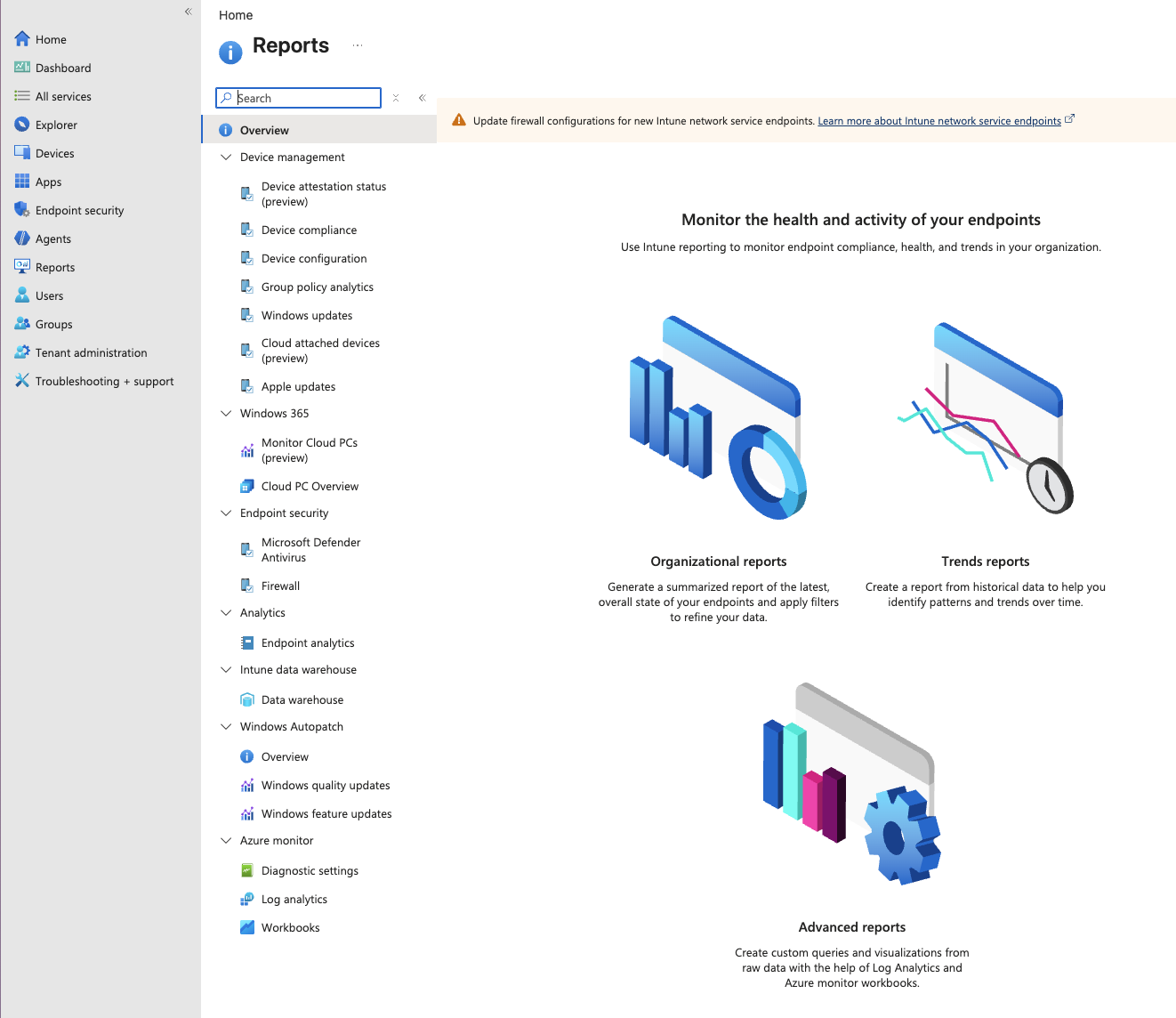
The Export API flips the model. Instead of you pulling raw pieces and stitching them together, you ask Intune to build the finished report on its side and hand you the file. It is the programmatic version of the Export button in the admin center: the same reports, generated server-side and delivered as a single file, a zipped CSV or JSON. One request kicks off the job, and once Intune has built it you download that one file, whatever the size of the tenant.
What it can replace
Anywhere you are looping Graph to build a bulk report, the Export API can replace the whole loop. Compliance per setting, app install status, device inventory, Defender health, Windows update rollout - if you can see it in the admin center, there is almost certainly a report name for it. Microsoft’s own example took a compliance export from roughly 100,000 calls and 2.5 hours down to about 15 calls and 15 minutes (source). In a small test tenant of my own, the same compliance report came back in three Graph calls and about eleven seconds. Same data, a fraction of the effort, and it barely grows as the tenant does.
The best part is that it is one endpoint for the entire Intune reporting catalog. Change the report name and you are exporting something else, using the exact same flow.
How it works
Under the hood it is three simple steps: ask for a report, wait for it to finish, download the result. In PowerShell that is only a handful of lines with the Microsoft.Graph.Authentication module:
# Install the only module we need if it is not already there
if (-not (Get-Module Microsoft.Graph.Authentication -ListAvailable)) {
    Install-Module Microsoft.Graph.Authentication -Scope CurrentUser -Force
}

Connect-MgGraph -Scopes 'DeviceManagementConfiguration.Read.All'
$uri = 'https://graph.microsoft.com/beta/deviceManagement/reports/exportJobs'

# 1. Ask Intune to build the report
$job = Invoke-MgGraphRequest -Method POST -Uri $uri -Body @{
    reportName = 'DeviceStatusSummaryByCompliancePolicySettingsReportV3'
    format     = 'csv'
}

# 2. Wait for the job to finish
do {
    Start-Sleep -Seconds 5
    $job = Invoke-MgGraphRequest -Method GET -Uri "$uri('$($job.id)')"
} until ($job.status -eq 'completed')

# 3. Download the finished file (a zipped CSV)
Invoke-WebRequest -Uri $job.url -OutFile 'report.zip'
That is the whole idea. Kick off a job, poll until it is done, download one file. So the next time you catch yourself writing a loop over every device in the tenant, stop and check whether a report already exists. There is a good chance it does, and the Export API will hand it to you in a single shot. And if you like turning raw Intune data into something you can act on, take a look at my Intune anomalies report next.
Related
- Intune Anomalies Report - a ready-made report that turns raw Intune data into a list of things to fix.
- RKSolutions PowerShell Module - Microsoft Graph reporting for Intune, Entra, and M365 from a single command.
- Thought Global Reader Could Read Everything? Intune Says 401 - why a read-only account can still get refused by
deviceManagementendpoints like this one.